This article provides an overview of BrandIn's main features and how they work.
What is BrandIn?
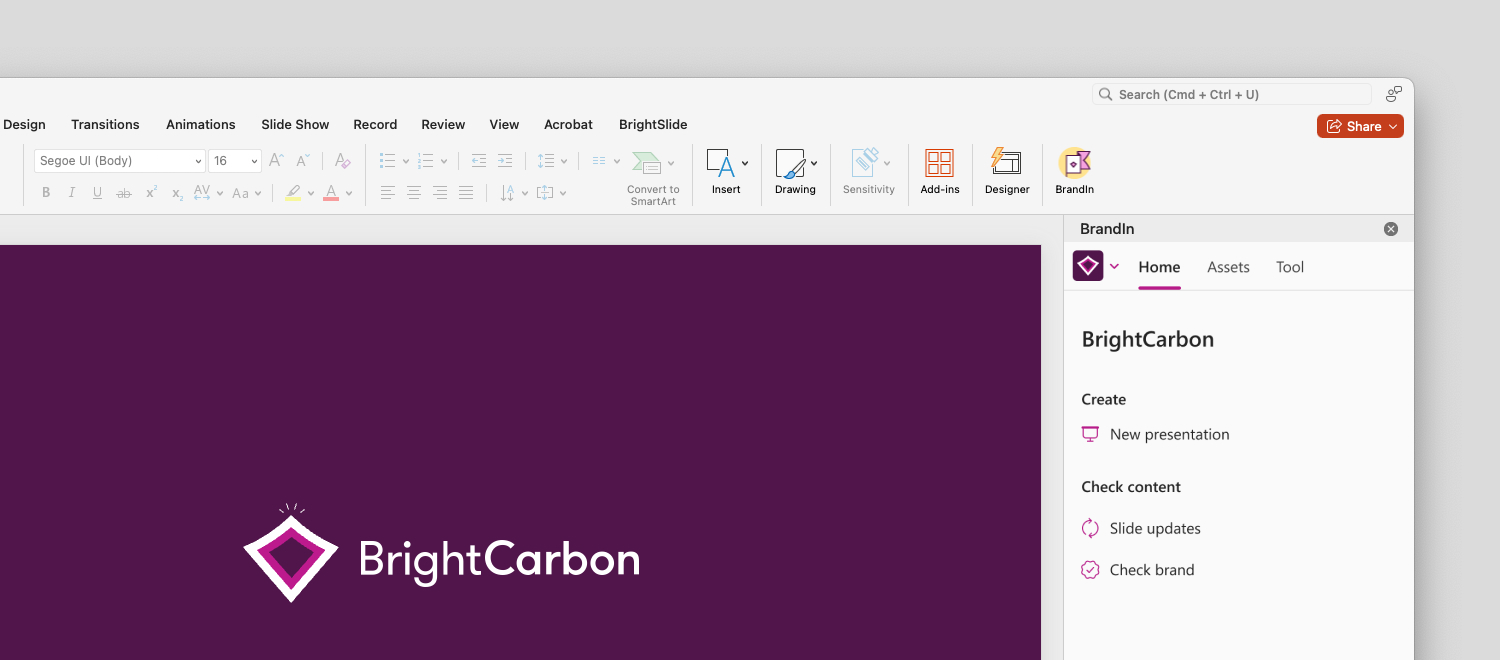
BrandIn is a cloud-based PowerPoint and Word add-in that helps you create brand content quickly and easily by giving you access to all your brand assets and brand tools directly from the task pane. Features like Brand check and Slide updates make sure that your content stays on brand.
Workspaces
Workspaces in BrandIn are dedicated spaces for different brands, teams, or departments. This is where you can find all the assets and templates specific to each workspace, keeping everything organized and easy to access.
You can switch workspace by selecting the workspace switcher in the upper-left corner of the home screen. From the list that appears, choose the workspace you want to use.

Templates
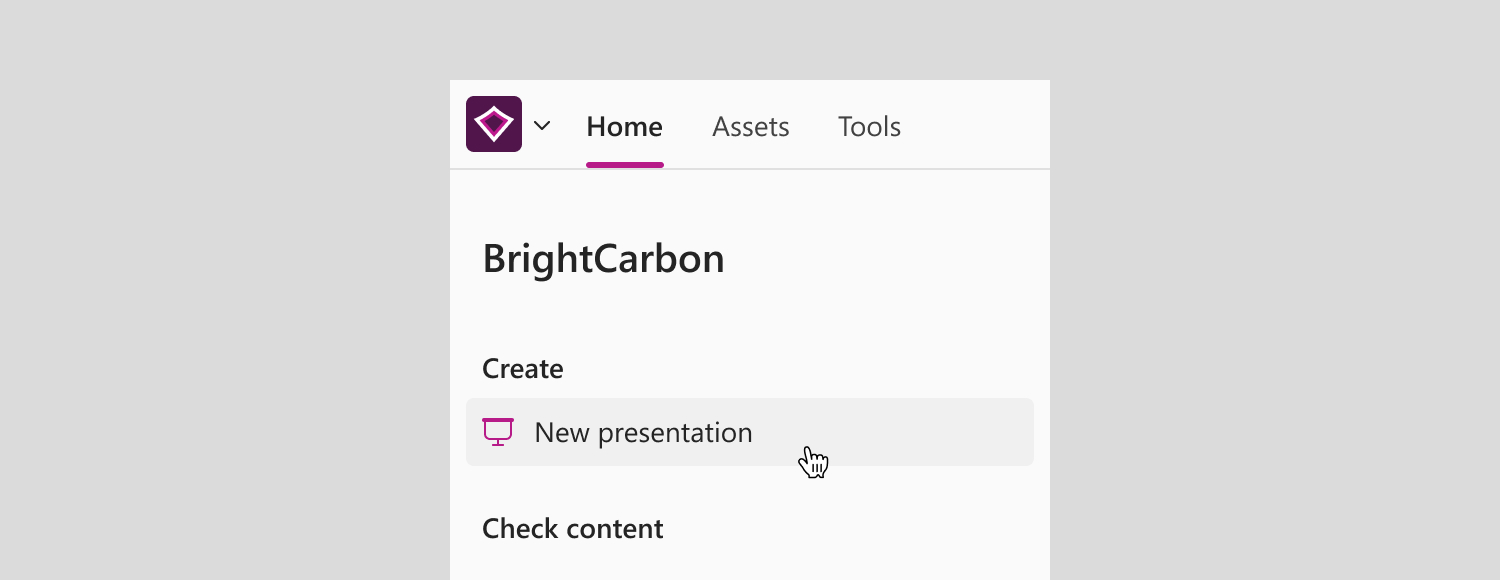
Each workspace has templates to help you create consistent, on-brand content. You can access your brand templates directly from the New presentation or New document button on the workspace home screen. Learn how to create a new file using a template.
Asset Libraries
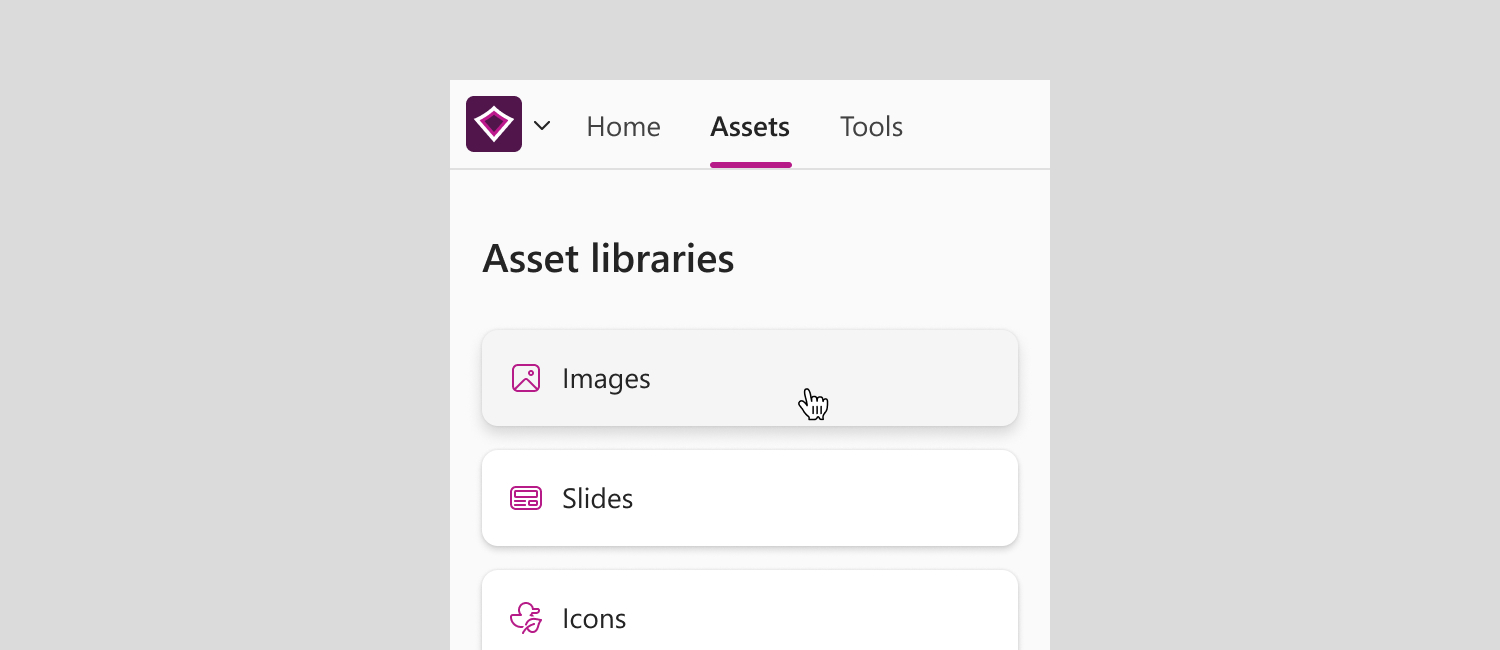
Asset libraries are where all your brand assets – such as images, icons, and slides – are stored and organized, making them easy to find and use in your content.
You can find all asset libraries in the Assets tab.
Tools
The Tools tab gives you everything you need to create polished, on-brand slides faster. From applying your brand styles to formatting content and refining layouts, BrandIn's tools have got you covered.
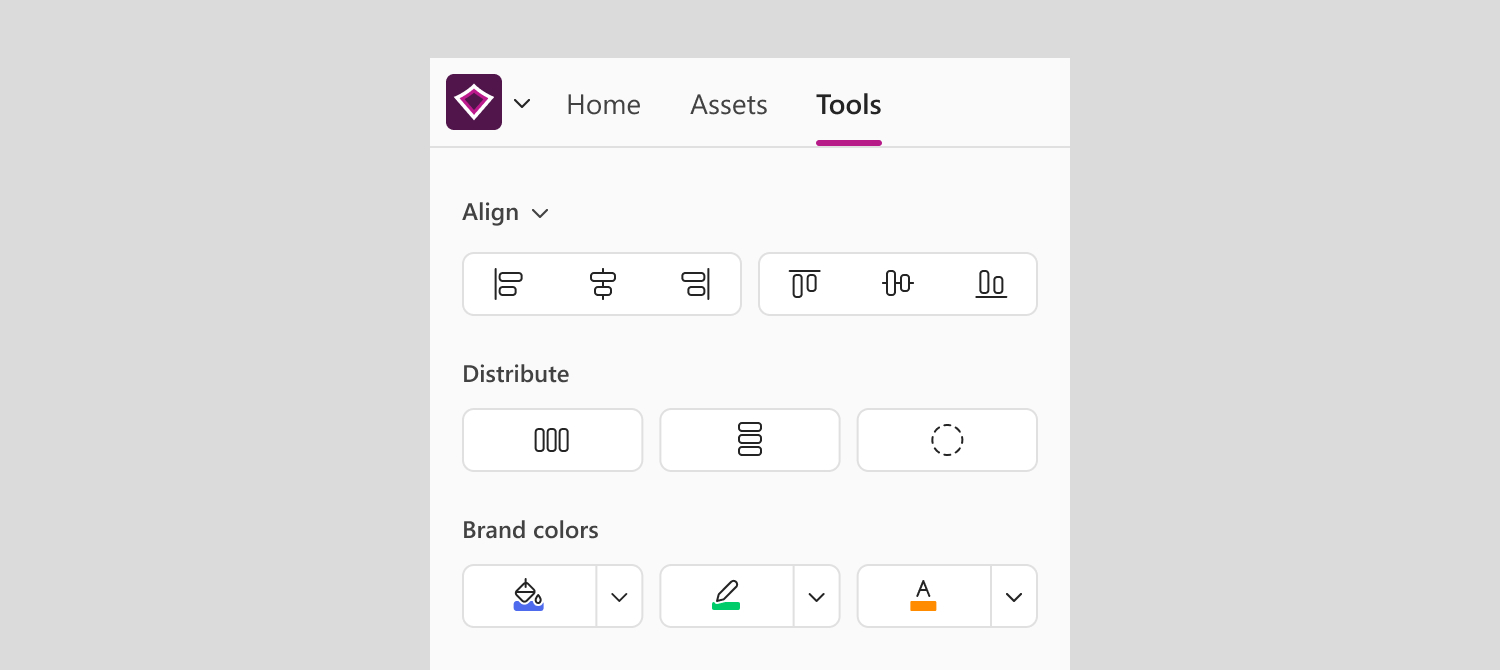
ℹ️Tools are currently only available in PowerPoint.
Related articles
To learn more about using asset libraries to create content in BrandIn, see these articles: