This article explains how to revoke a permission for BrandIn that you accepted for yourself, but meant to accept on behalf of your organization.
ℹ️After revoking your permission, return to the BrandIn admin center and accept it again by following the instructions in the permissions overview article.
How to revoke a permission in My apps
- Go to My apps.
- In the apps dashboard, locate BrandIn.
- Select the more options button at the top right of the BrandIn app tile.
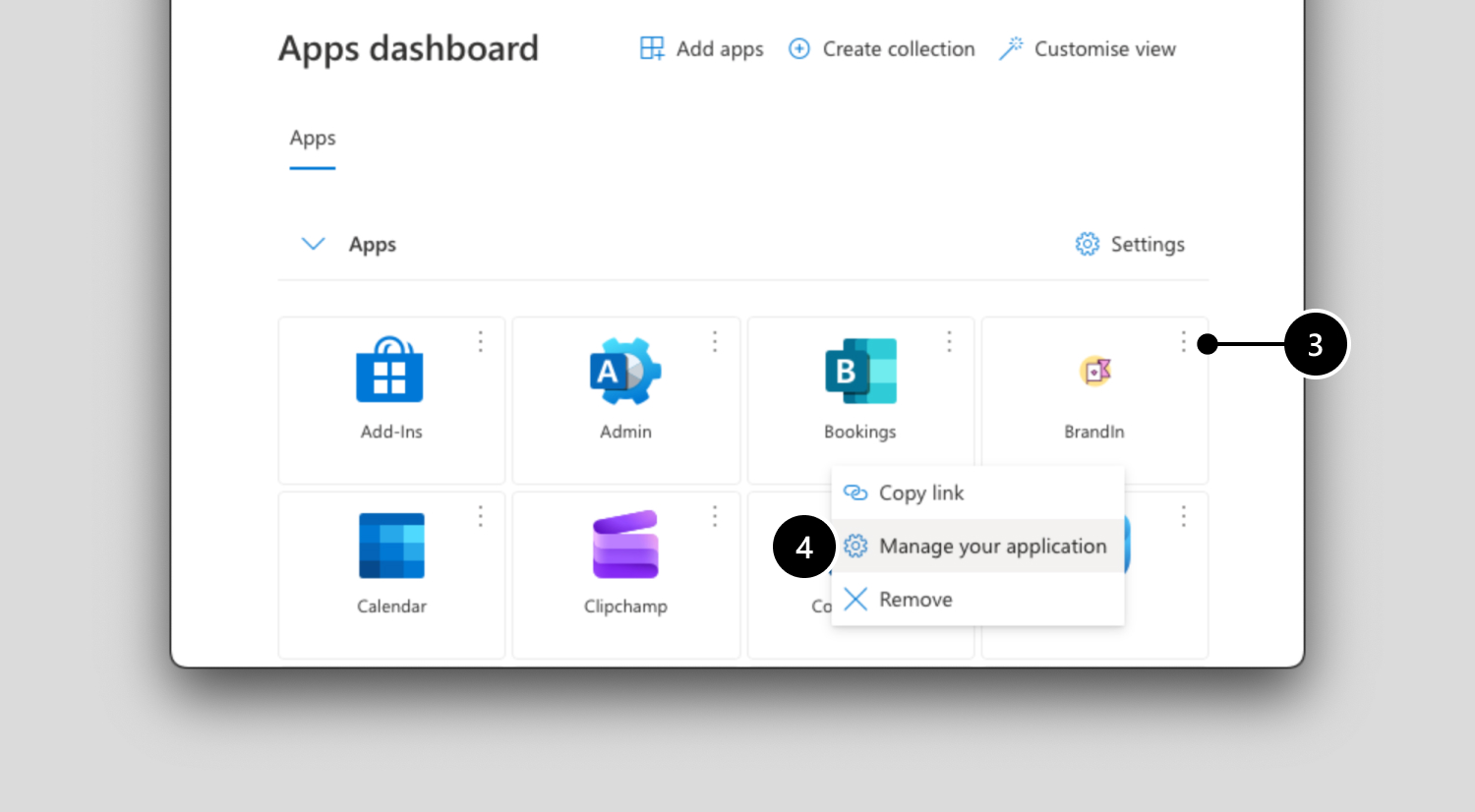
- Select Manage your application.
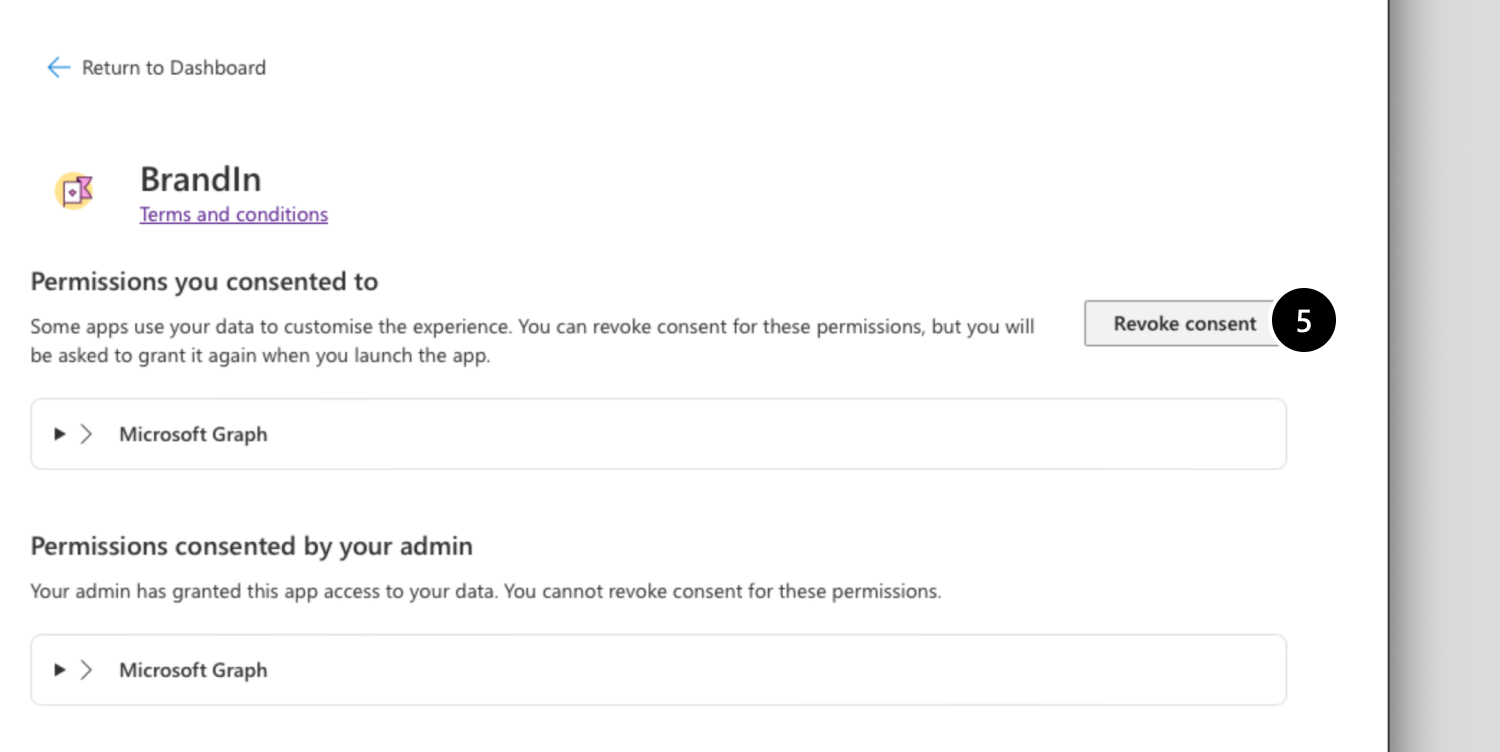
- In the “Permissions you consented to” section, select Revoke consent.