You can change the app accent color to personalize BrandIn's interface with your brand color.
We automatically adjust your color so buttons, text, and other interactive elements have enough contrast against the background, so BrandIn might use a slightly different shade than the one you enter.
ℹ️This adjustment is based on accessibility standards such as WCAG, but doesn't guarantee full conformance.
Change your app accent color
ℹ️This changes the accent color for the entire team account, including every workspace.
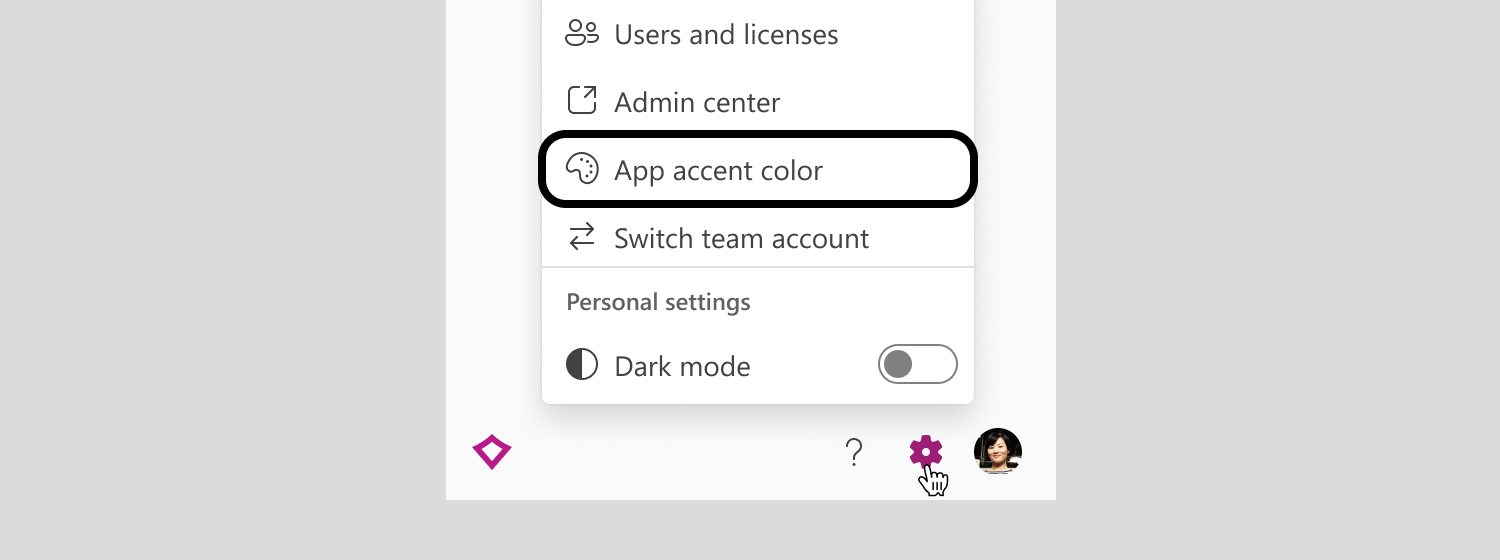
- Go to the Settings menu in the lower-right corner of the Home screen.
- Select App accent color.
- In the Color box, enter a hex code.
- Check the light mode and dark mode previews to see how it'll look.
- Select Save.
ℹ️To reset to BrandIn's default color, delete the hex code in the Color box, then select Save.
Was this article helpful?
That’s Great!
Thank you for your feedback
Sorry! We couldn't be helpful
Thank you for your feedback
Feedback sent
We appreciate your effort and will try to fix the article